Genereer «Titty Job» — video met AI
Foto naar video · 9∶16 verticaal · MP4
Beste startpunt: Works with upper body photo
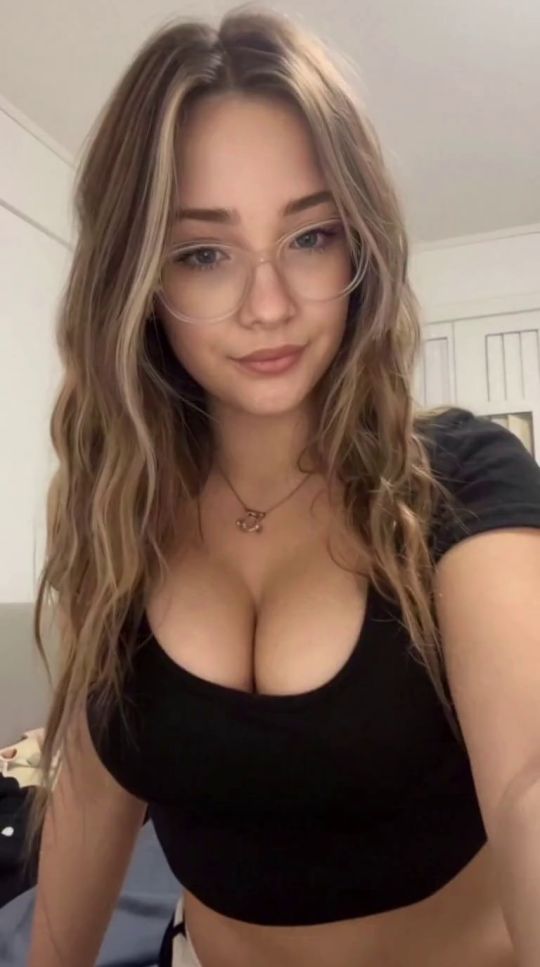 Voorbeeld
We analyseren je foto…
Je resultaat verschijnt precies hier — houd deze pagina open.
0:00
Je afbeelding wordt na het genereren verwijderd.
Blader door bestandenMislukte generaties geven de credits automatisch terug. De resultaten komen aan in Mijn collectie.
Betaalde generaties tonen de volledige prijs vóór de bevestiging; mislukte generaties geven de credits automatisch terug.
About the Titty Job template
This photo-to-video template animates a single still photo. Works with upper body photo One clear subject, good light and a sharp image will always give the most convincing motion.
How to generate
- Open the generator on this page and add your photo.
- Pick a resolution and length — the credit price updates on the button.
- Confirm. Your result is rendered privately to your account and appears in My Collection.
Upload guide: what photo works best
Upload a close front-facing photo with your face above your chest, looking at the camera.
- Eyes and gaze: Look at the camera with your eyes open, no sunglasses and no hair across your eyes.
- Framing: Use a first-person view looking down, facing the camera, with your face above your chest in the frame, the way this template frames its close view.
- Just you: Upload only yourself, with no second person and no group photo in the frame.
- Mouth: Keep your mouth area uncovered in the photo.
- Light and quality: Pick a sharp, recent, high-resolution image with even, bright light on your face. Avoid dark rooms, motion blur, screenshots with bars and buttons, pictures of a screen, and filters that change the shape of your face.
- Outfit: Clothes follow the template scene, not your photo. Do not expect the outfit in your photo to carry over into the result.
- Do not use: rear views, distant full-body shots, faces small in the frame, dark or blurry photos.
Titty Job — FAQ
How does the Titty Job template work?
The template carries a tuned motion preset built for this exact movement. You supply the photo; the preset drives the body motion, camera behavior and pacing, so no prompt writing is needed.
Which photos give the best result?
Works with upper body photo Sharp, well-lit photos with one clear subject always outperform dark or crowded shots.
How much does it cost?
720p costs 351 credits for 5 seconds or 561 credits for 8 seconds, always shown on the button before you confirm. Failed jobs are refunded automatically.